









PDF to Xactimate® in three steps.
No training. No setup. Just upload and go.
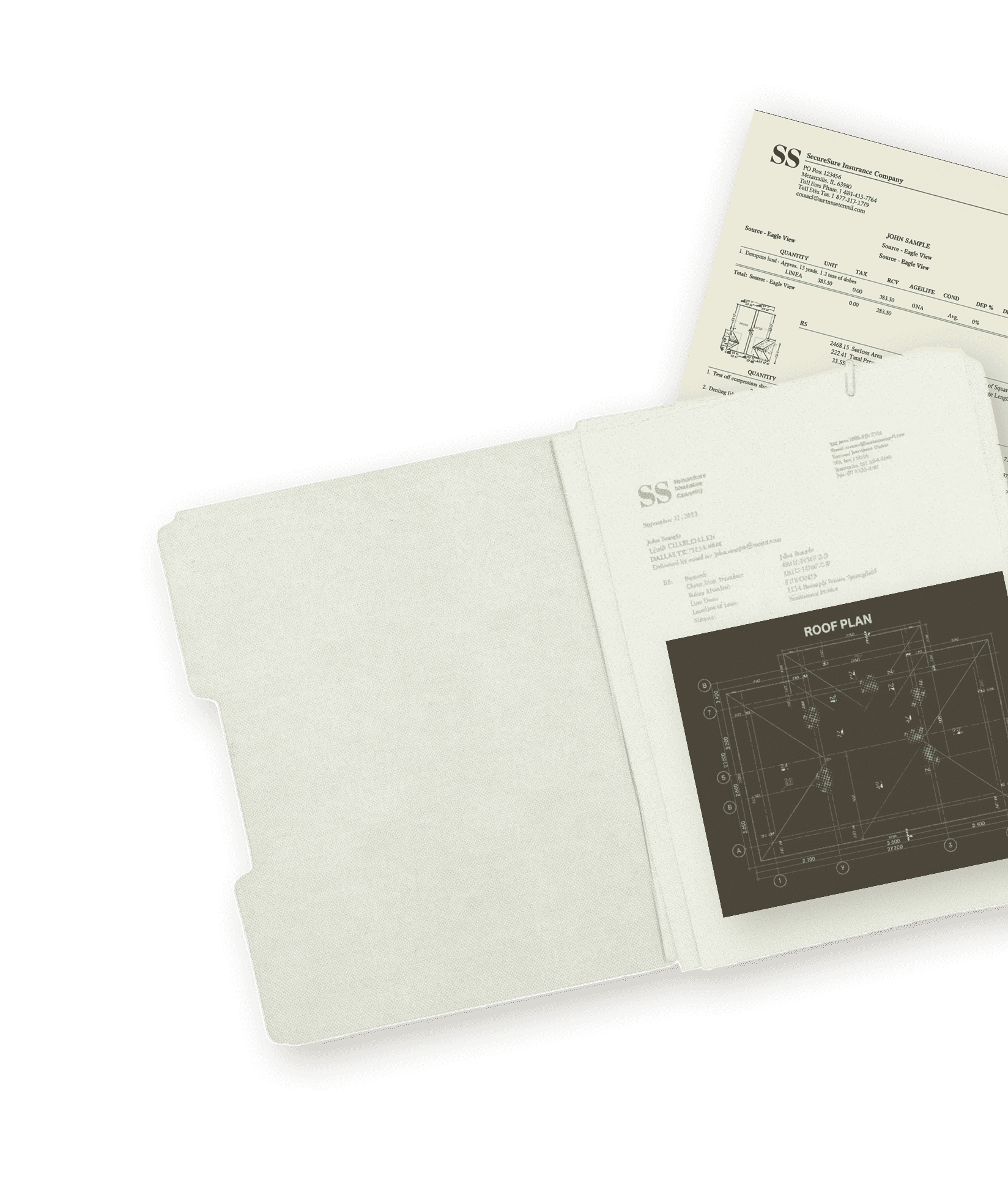
Upload Your PDF
Step 1
Drop any insurance scope PDF. We turn your document into data.
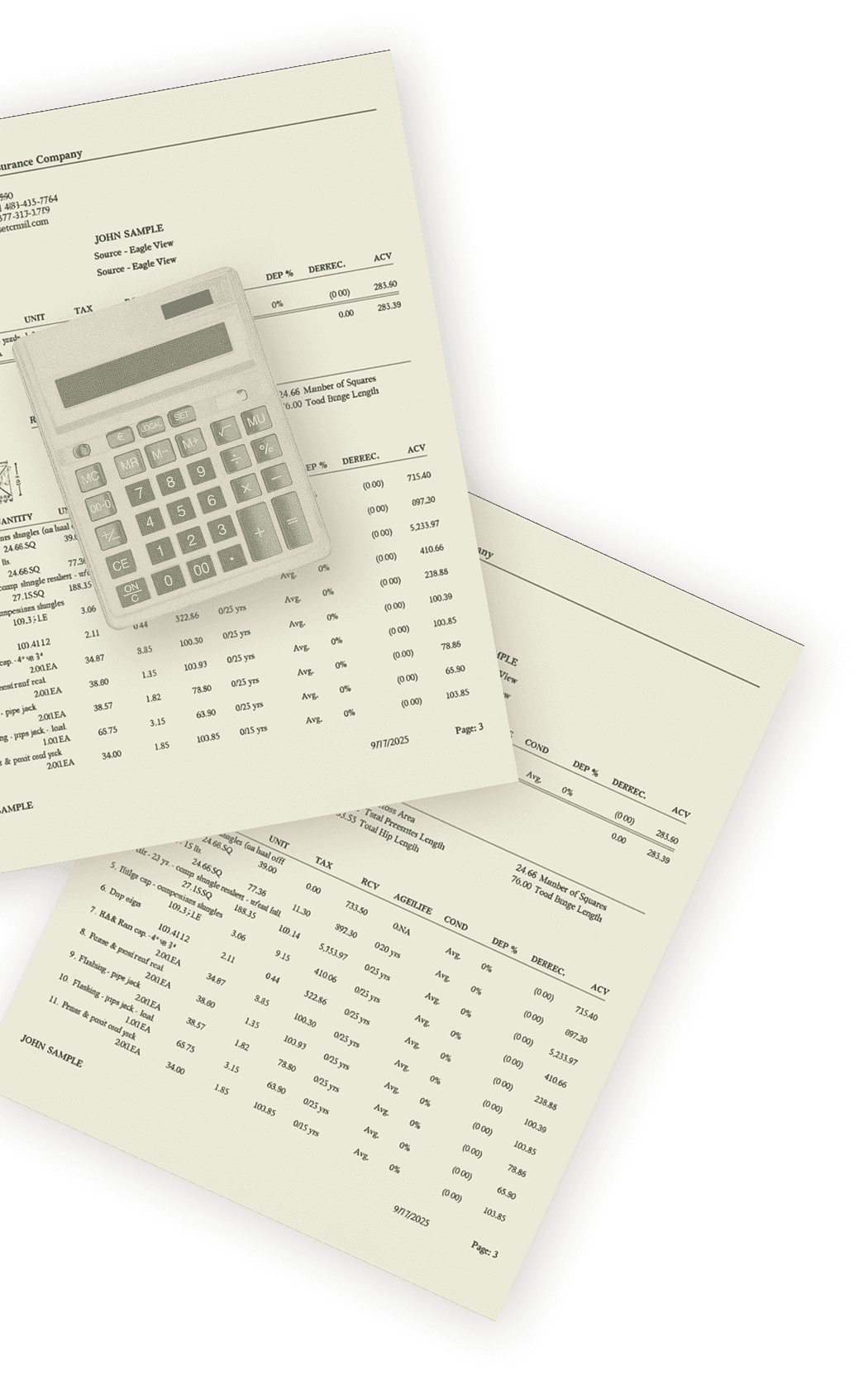
Review
Step 2
See profit margins, material needs, and labor costs before you commit.
Export Your ESX
Step 3
Export to Xactimate, generate orders, or send directly to your crew.


“Our profit estimates were always done in spreadsheets, which took forever. CapOut gives us instant cost and margin breakdowns."
Lauren Chen
Project Coordinator

“We used to spend hours reading through huge Xactimate PDFs. Now we upload once and everything is automatically converted."
Carlos Rivera
Production Manager
“Before CapOut, we were always jumping between insurance docs and our CRM. It now pulls everything together and keeps the whole team aligned."
Emily Brooks
Admin Lead
“Sales, admin, and production used to constantly wait on each other. CapOut syncs everything instantly and generates production-ready orders."
Tyler Bennett
Sales Manager
“CapOut completely changed the way we process. What used to take us 2-3 hours of back-and-forth now gets done in under 5 minutes."
Jake Morris
Operations Lead
Upload a PDF, never re-type an estimate
Drop any insurance scope PDF. We extract every line item, organized by trade, ready to use. No more manual data entry into Xactimate.
Know your margins before you bid
See profit projections with your actual material and labor costs. No more napkin math.
.ESX in your Xactimate in seconds
One click sends the converted estimate directly to your Xactimate account. Edit from there.
Orders ready for your crew
Material lists and labor orders generated automatically. Send to suppliers or crew in one click.
Whether you're fighting for insurance supplements or running production,
CapOut fits your workflow.
ESX & Supplements
For adjusters, supplement companies, and contractors focused on insurance claim workflows.

PDF to ESX in seconds
Line item suggestion tools
Direct export to your Xactimate account
Knowledge base of building codes and product specs
Production & Profitability
For contractors who need to move from approved scope to job site fast.
Instant profit preview with your pricing
Material orders ready for suppliers
Labor orders for your crews
Bid requests with the click of a button

Data Security
End-to-end encryption for all estimate and claim data. Your files are protected at rest and in transit.

SOC 2 Compliance
SOC 2 compliant infrastructure. Audited controls for security, availability, and confidentiality.

Role-Based Access Controls
Control who sees what. Set permissions by role so your team only accesses what they need.

Direct Xactimate ® Integration
Not a workaround. CapOut integrates directly with Xactimate.
ESX files land right in your account.
Coming Soon
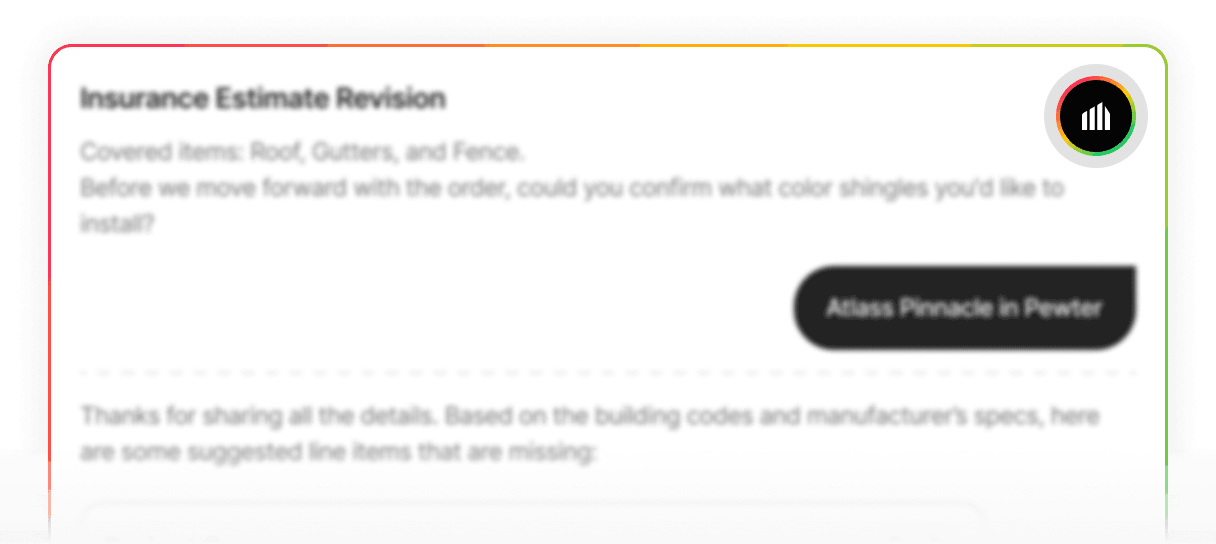
The AI assistant
A collaborative assistant that walks you through building estimates step by step. You stay in control - AI just makes it faster.
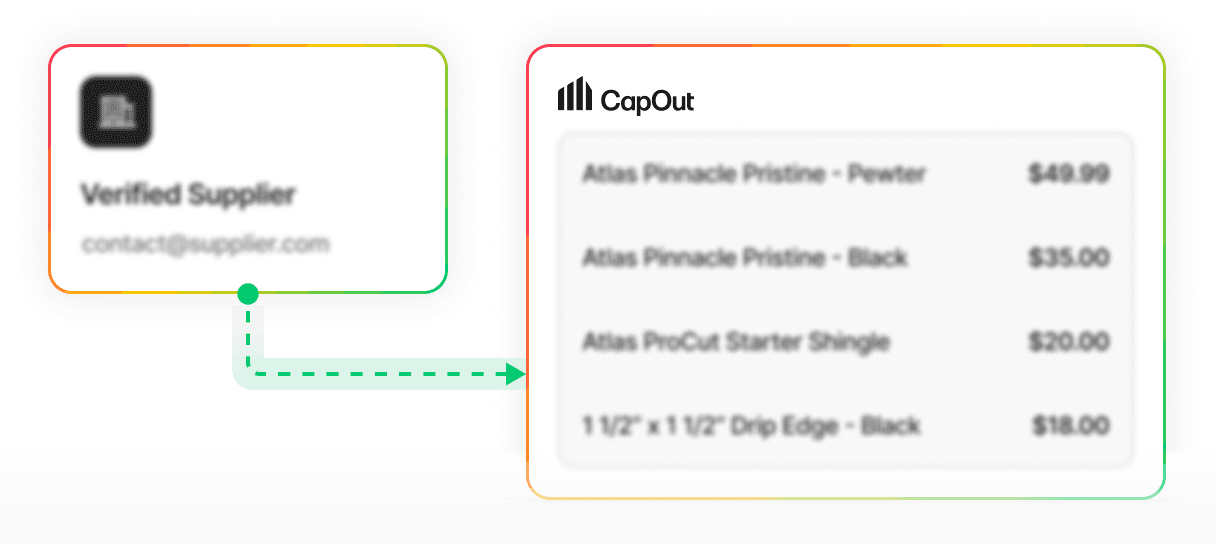
Supplier Connect
Connect your favorite material supplier accounts. Real-time pricing updates automatically - no more manual price list uploads.
What is CapOut?
CapOut is an AI-powered workflow automation platform built specifically for insurance restoration professionals. It converts complex Xactimate PDF scopes into structured, production-ready data. From there, you get instant job-level profit visibility, structured material orders, and direct exports into Xactimate without manual re-entry. Our mission is simple: eliminate static PDF data and give you control of your workflow from day one.
How does CapOut compare to the features in my CRM like AccuLynx or JobNimbus?
AccuLynx and JobNimbus are fantastic, full-featured CRMs for managing your entire business. CapOut is a specialized tool designed to do one thing 10x better and faster: turn a complex insurance scope into a production-ready state. While your CRM can store the PDF, CapOut eliminates the hours of manual data entry, estimate rebuilding, and spreadsheet-based profit analysis required to make that PDF usable inside your workflow. CapOut becomes the structured data engine that feeds the rest of your systems.
How does CapOut calculate a job's profit?
CapOut extracts the full RCV from the Xactimate PDF and breaks it down by trade automatically. Instead of using generic or fair-market pricing, CapOut calculates profit using your material pricing and your labor assumptions. Pro users can apply custom supplier pricing and labor cost logic so the profit preview reflects your actual cost structure. You see real job-level margin visibility before production begins, not a guess based on averages.
How does CapOut help with creating material orders?
After extracting and structuring all line items from the scope, CapOut generates a production-ready material order grouped by trade. This is not a generic material list. It is a structured order formatted for real supplier execution. You can review, edit, and send it directly to your supplier rep in seconds. No spreadsheets. No manual takeoffs. No retyping line items.
What happens if the insurance scope is wrong or missing items?
Insurance scopes are rarely perfect. CapOut allows you to add, edit, or delete line items inside the structured scope before exporting or ordering. You can adjust quantities, update measurements, and refine the job as needed. You are not locked into the original PDF. CapOut gives you control of the scope data.
Does CapOut replace Xactimate?
No. CapOut does not replace Xactimate. CapOut parses Xactimate PDF scopes and converts them into structured, editable data. Whether the PDF came from an adjuster, public adjuster, attorney, supplementor, or contractor does not matter. CapOut works with the PDF and turns it into usable workflow data instantly.
How does the Xactimate integration work?
CapOut integrates directly with Xactimate. You do not need to download or upload any ESX files manually. When you export from CapOut, the file is sent directly to your Xactimate account. All you need to do is open the project in Xactimate, go to the Sketch tab, click the yellow import icon in the blank Sketch canvas, and import the CapOut file. All the folders and line items will appear instantly. No file handling. No email attachments. No friction.
How long does it take to process a scope?
CapOut processes scopes in two stages. First, we parse and extract the data from the original Xactimate PDF. Depending on the size and complexity of the file, this can take anywhere from 45 seconds to about 10 minutes. Once the scope is fully structured and ready, exporting it to your Xactimate account takes about 45 seconds. There is no manual file handling required at any stage.
Do I have to use all the features, or can I just use ESX exports?
You can use CapOut however it fits your workflow. Some contractors, supplementors, adjusters, and attorneys use CapOut strictly for instant ESX conversion and structured scope exports. Others use it for deeper workflow tools like profit visibility and production ordering. CapOut is modular. You can use a single feature or build your entire workflow around it.
Who is CapOut built for?
CapOut is built for insurance-claim-focused professionals who work with Xactimate scopes. That includes contractors, supplementors, adjusters, attorneys, and restoration teams who need structured, editable scope data without manual re-entry. If your workflow starts with a complex insurance PDF and ends with execution, negotiation, or litigation, CapOut was designed for you.
Do you integrate with my suppliers like ABC Supply or Beacon, and SRS?
Direct integrations with major suppliers like ABC Supply, QXO, and SRS Distribution are on our roadmap. CapOut already generates clean, structured material orders that can be sent to your supplier rep instantly. As we expand integrations, ordering will become even more automated. Supplier feedback helps us prioritize which integrations launch first.
How does credit usage work?
Each scope export requires a minimum of 100 credits. Credits are used when you export structured data or ESX files. Plans include monthly credits, and additional credits can be purchased as needed. Credits roll over for one month.
Is my data secure with CapOut?
Yes. CapOut is SOC 2 compliant and built with enterprise-grade security standards. All uploaded documents and job data are encrypted both in transit and at rest. Your data belongs to you. We do not share it, sell it, or expose it. Security and data integrity are foundational to the platform.


Try 3 Exports Free


No credit card required

The fastest PDF to ESX converter for insurance
restoration professionals.
Xactimate is a trademark of Insurance Services Office, inc.


Company
2026 © CapOut. All rights reserved.